Setting Up Internet Explorer 3.x
Lake Country Online
Continued
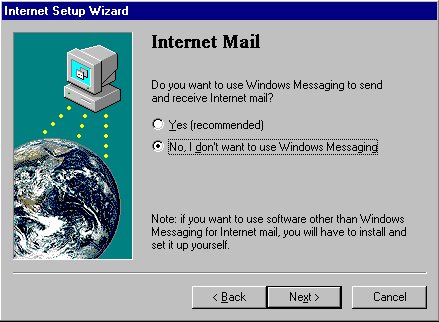
Step 4 - Internet Mail
Select "No, I do not want to use Windows Messaging."
Click on the NEXT Button.
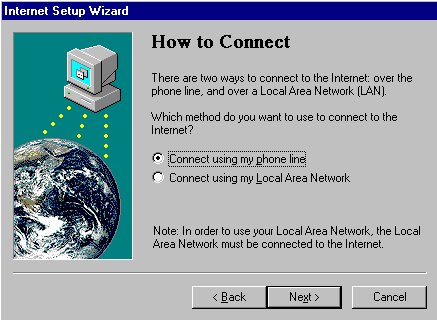
Step 5 - How to Connect
Select "Connect using my phone line."
Click on the NEXT Button.
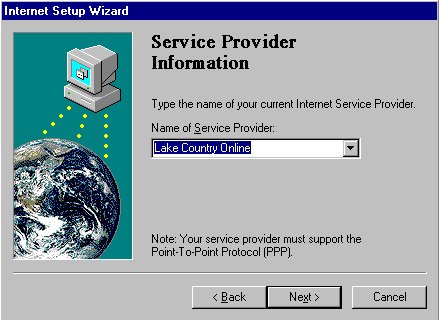
Step 6 - Service Provider Information
Type
Lake Country Online
as the Name of Service Provider
Click on the NEXT Button.
Click here to continue.